
 ×

Take restaurant orders on WhatsApp.
Deliver them to your POS.
Merchants on Stream can leverage RealOffice WhatsApp—and phone—so guests order conversationally. Paid tickets flow straight into the kitchen via Stream.
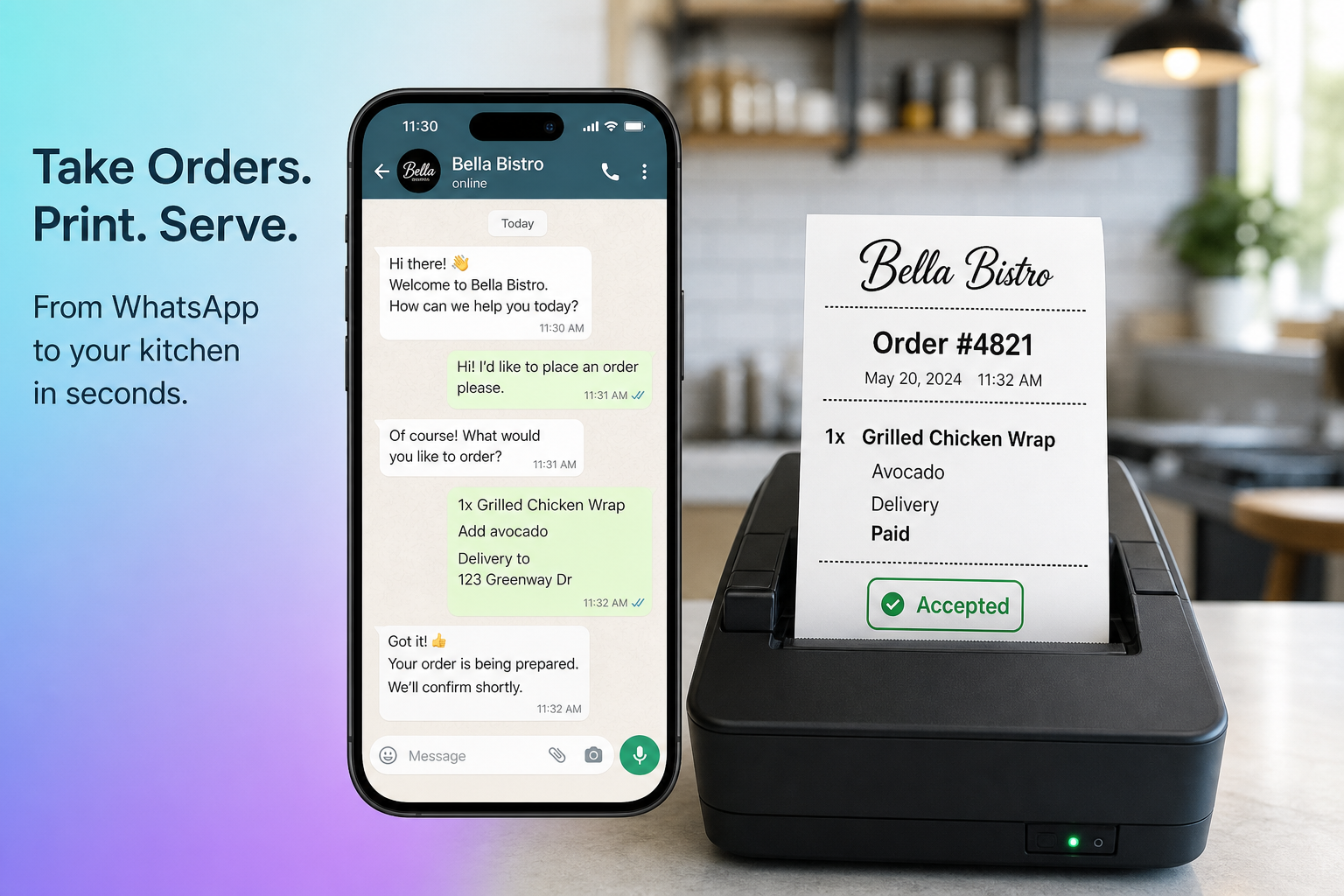
Integrated with Stream Orders



RealOffice is a Stream DSP partner—orders you accept on WhatsApp land in the same POS Stream already powers.
Why restaurants choose this
Outcome-led advantages over marketplace tablets and generic chatbots—backed by how RealOffice Orders actually works.
Your channel, not another tablet
Guests order on WhatsApp and phone under your brand. Tickets still land in the same Stream-connected POS—no extra kitchen device to babysit.
Pay first, kitchen confirms
Stripe holds the card until the restaurant accepts. If the POS rejects, the hold is released—fewer no-shows and bad tickets.
Menu-aware AI, not a generic chatbot
The agent uses your live Stream menus—dayparts, modifiers, promos, and hours—so orders match what the kitchen can actually make.
From chat to doorstep
Pickup, Shipday couriers, or your own drivers—plus WhatsApp status updates from accepted through delivered.
How it works
From Stream connection to kitchen ticket—in four clear steps.
STEP 01
Connect
Link your Stream location with RealOffice WhatsApp—and optionally voice.
STEP 02
Order
The AI agent guides guests through menu, modifiers, pickup, or delivery.
STEP 03
Pay
A secure review link holds the card with Stripe until the restaurant accepts.
STEP 04
Fulfill
Stream pushes to your POS; Shipday or pickup follows with WhatsApp updates.
Order in the chat guests already use
An AI ordering assistant that knows your Stream menu builds the ticket in WhatsApp, then sends a secure review-and-pay link—no app download required.
Also available by voice
Phone agents use the same ordering tools. On a call, the pay link is sent by email so guests can complete checkout after hanging up.
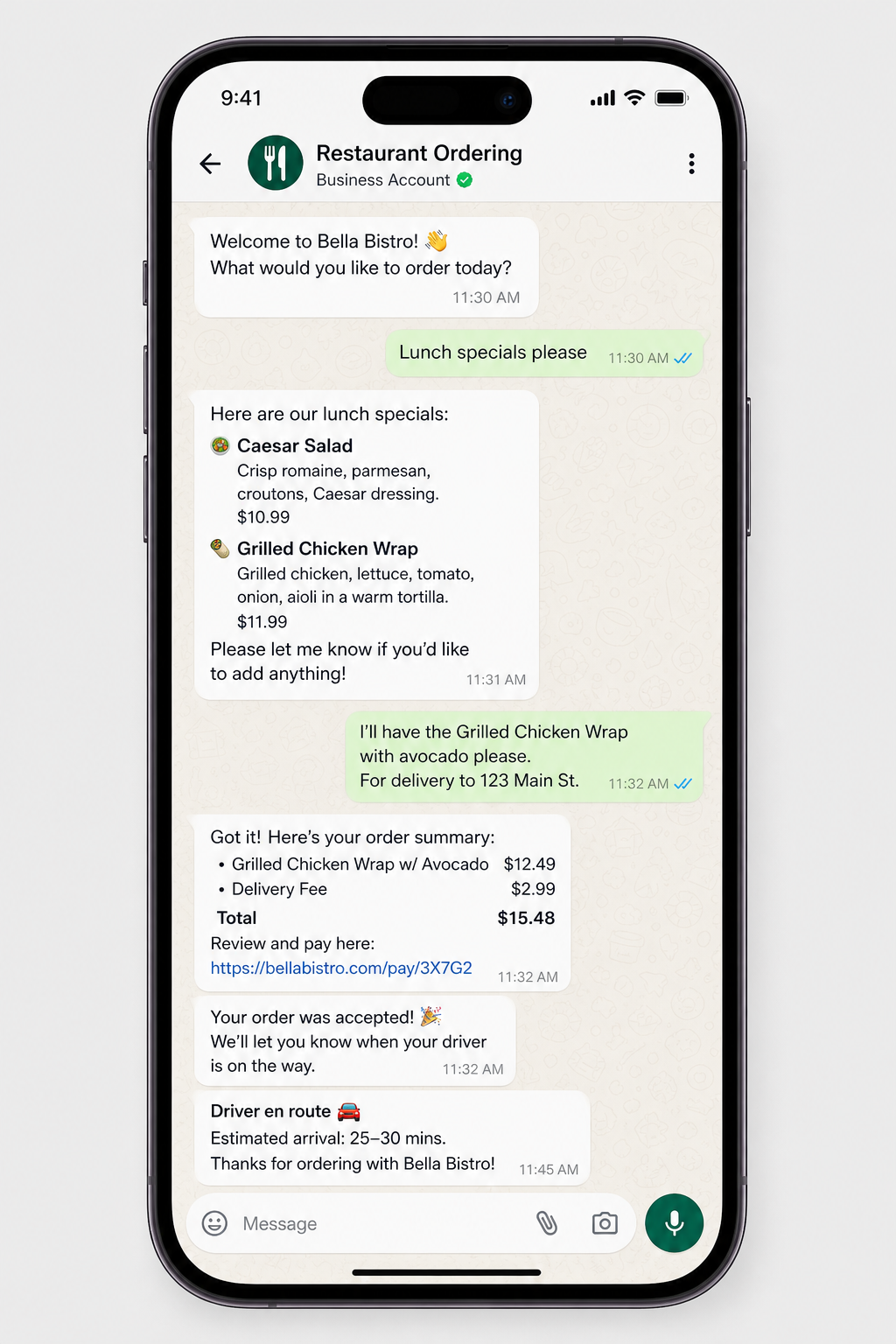
Payments & delivery built in
Collect payment securely, then fulfill with pickup or courier—without leaving RealOffice.
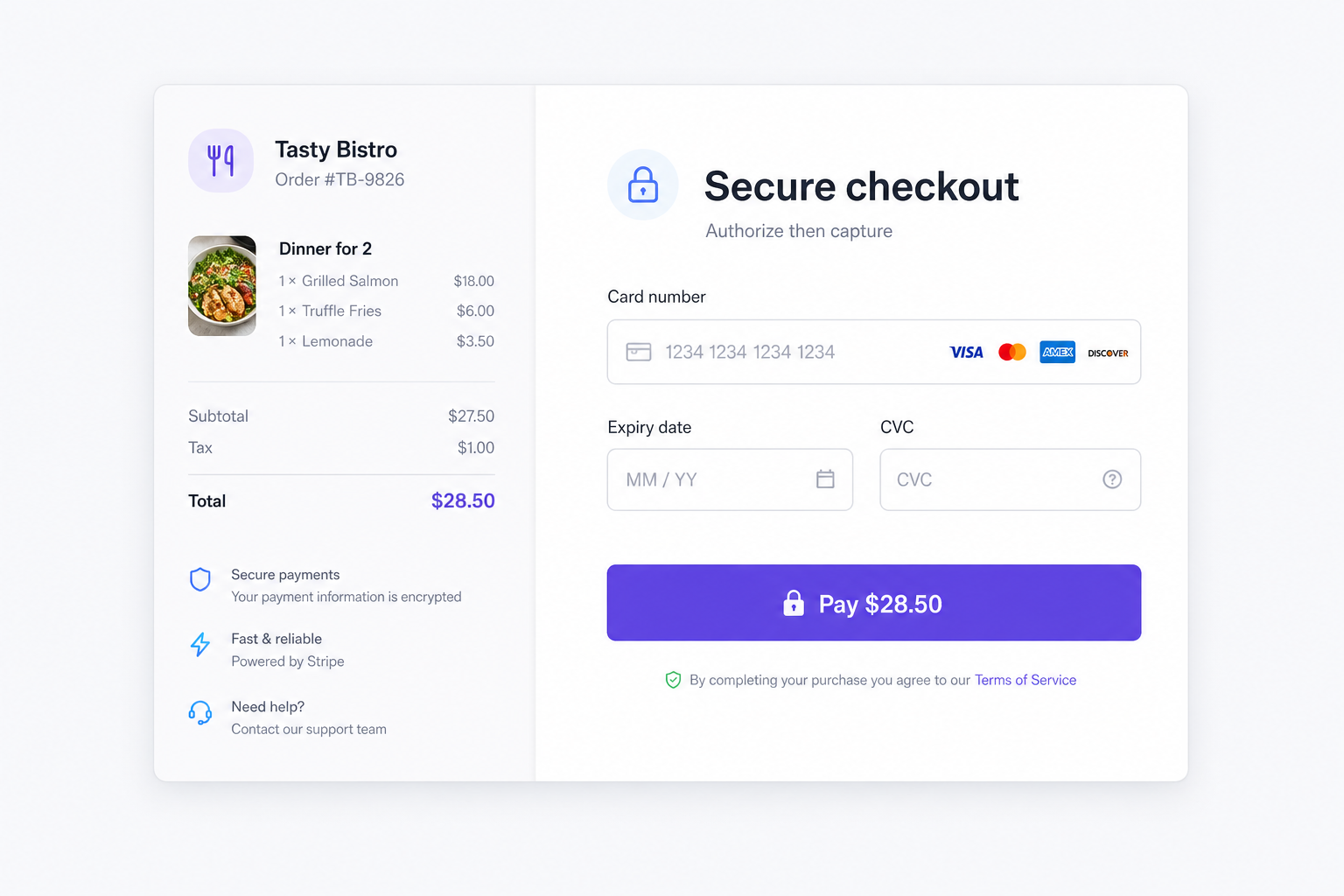
Pay before the kitchen cooks
Guests check out on a secure review page. Stripe authorizes the card first; when your POS accepts via Stream, the payment is captured. If the restaurant rejects, the hold is released automatically.
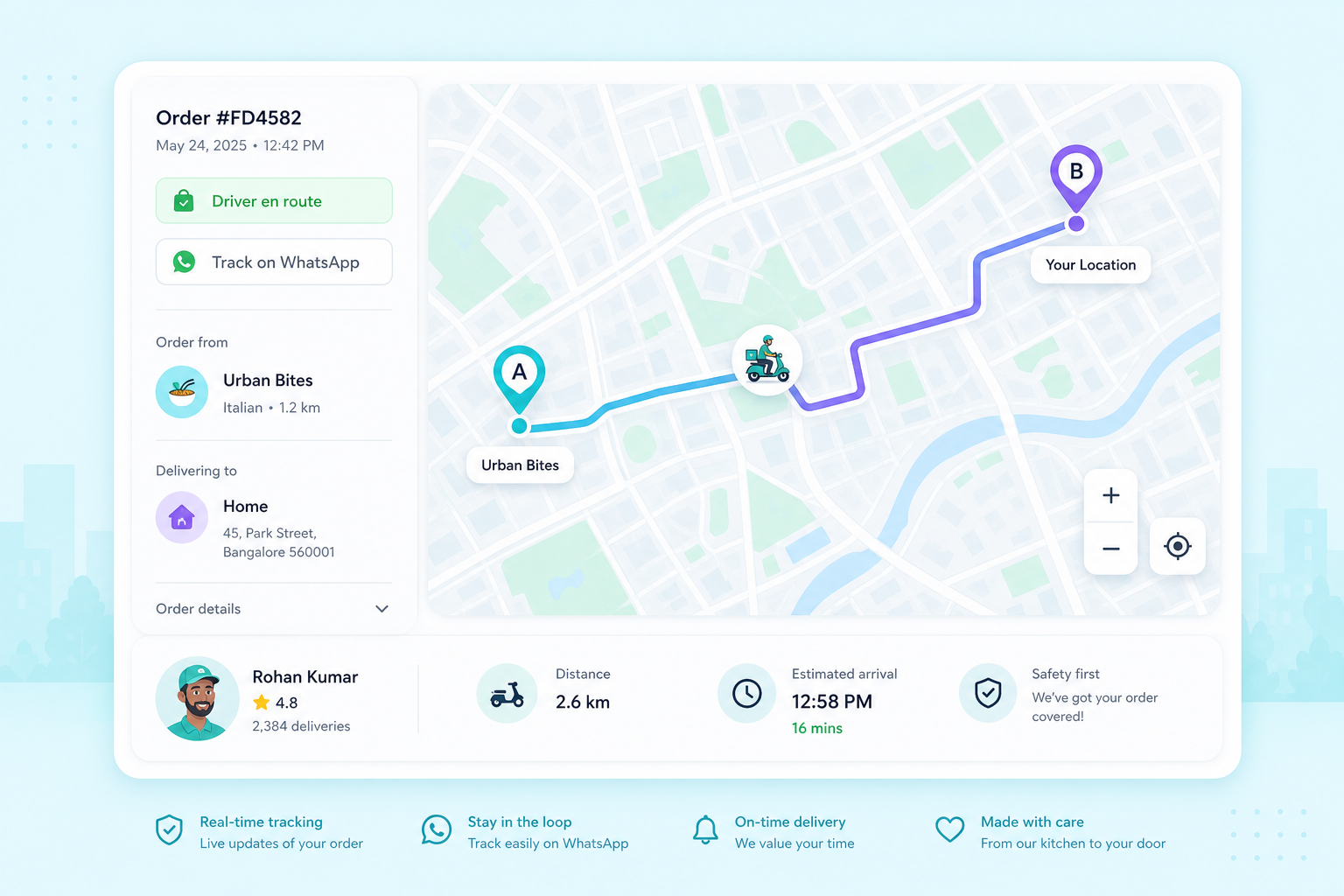
Fulfillment that fits your kitchen
Offer pickup, Shipday last-mile couriers, or your own drivers with distance-based fees. Customers get WhatsApp updates—including tracking—as the order moves.
What's included
Everything merchants need to run WhatsApp ordering on top of Stream.
Live Stream menu sync
Breakfast, lunch, and dinner menus publish from Stream into the ordering agent.
POS-native tickets
Paid orders route into Toast and other Stream-connected POS systems.
Secure Stripe payments
Authorize-then-capture checkout so guests are charged only when you accept.
Delivery orchestration
Shipday last-mile, merchant-managed drivers, or simple pickup.
Lifecycle WhatsApp updates
Accepted, preparing, ready, driver en route, and delivered—on the same chat.
Multi-location control
Pause/resume, prep times, and delivery rules per Stream site.
Built for Stream merchants
Ideal if you want an owned WhatsApp ordering channel—not another marketplace tablet—while keeping tickets in the POS you already run through Stream.
- Restaurants already on Stream (or adding Stream)
- Operators who want an owned WhatsApp ordering channel
- Multi-location groups that need per-site control
- Delivery-heavy kitchens that still want POS-native tickets
Ready to take orders on WhatsApp?
Tell us about your Stream setup—we'll help you go live on WhatsApp with payments and delivery included.